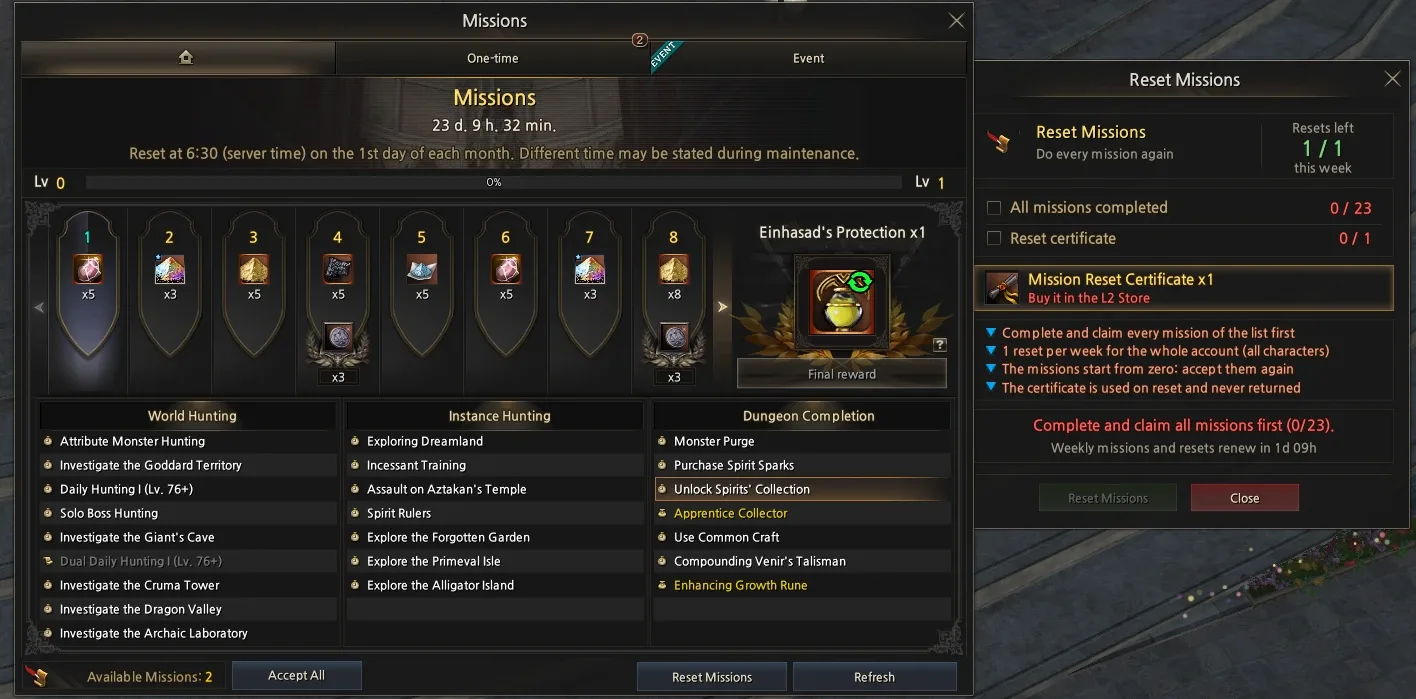
Missions (Mission Level)

How it works
The Missions window has two parts:
- Mission Level (top): goes up as you complete missions. It resets on the 1st day of every month at 06:30 (server time). Reaching level 30 secures the final reward.
- Missions (bottom): World Hunting, Instance Hunting and Dungeon Completion. They reset every Monday at 06:30, so they are weekly.
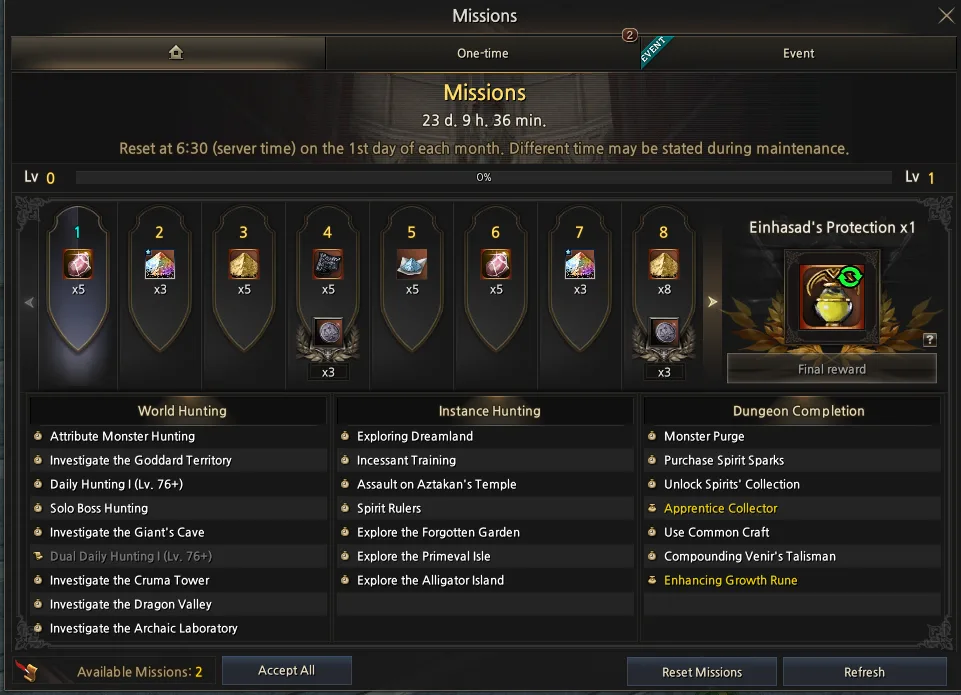
Accept All
The Accept All button accepts every available mission at once.
How to complete a mission
- By doing what the mission asks.
- By using Auto-complete, which spends 1 Mission Complete Ticket from the L2 Store.
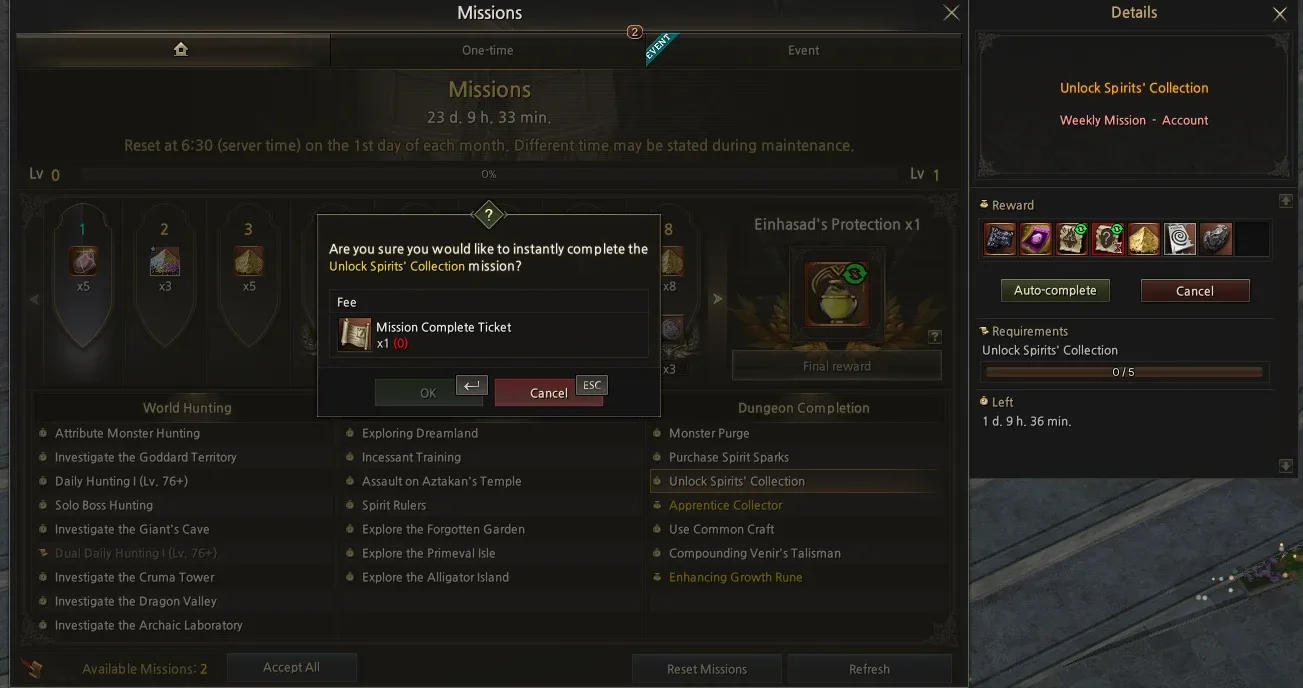
New this season: Reset Missions
- After completing and claiming every mission, you can reset them with the Mission Reset Certificate from the L2 Store.
- The missions start from zero: accept them again, complete them and claim the rewards once more.
- Completing them again speeds up your Mission Level.
- The reset can be done once per week for the whole account, for all characters.
- The certificate is used on reset and is never returned.
You are not required to reset: you can reach level 30 and secure the final reward naturally.